For interior designers · invite-only early access
From screenshots to a client-ready mood board.
Throw in the product screenshots, inspiration and phone photos of your client's existing furniture. DibDab reads, crops and cuts them out - clutter off - sorts them into projects and rooms, and lays each scheme out as a mood board.
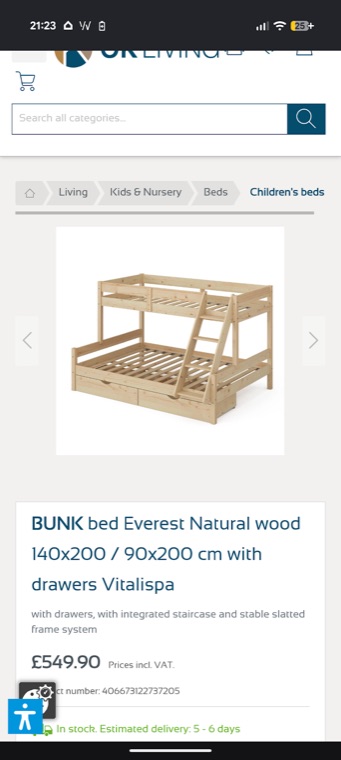
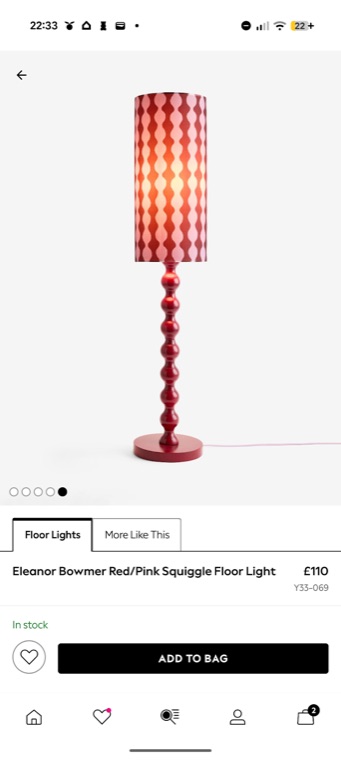
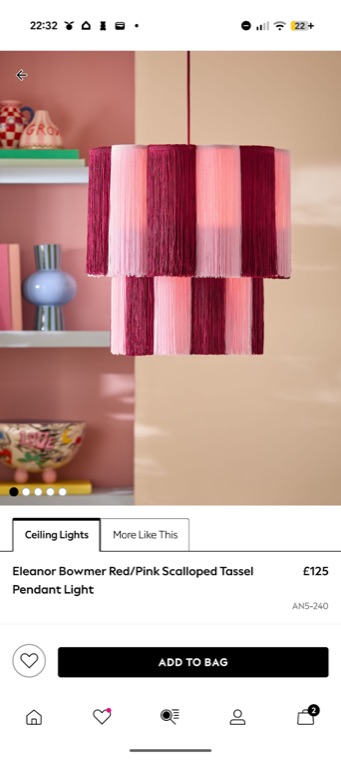
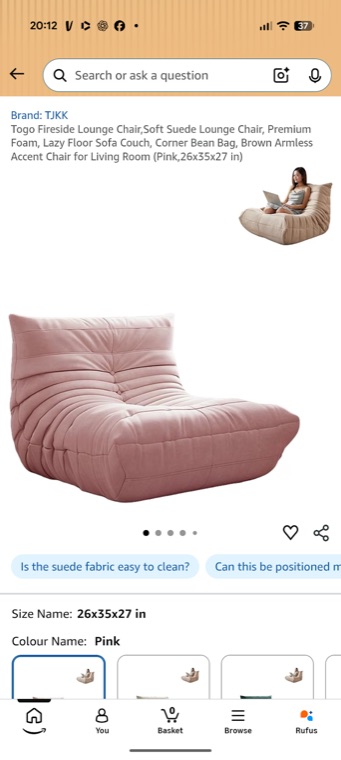
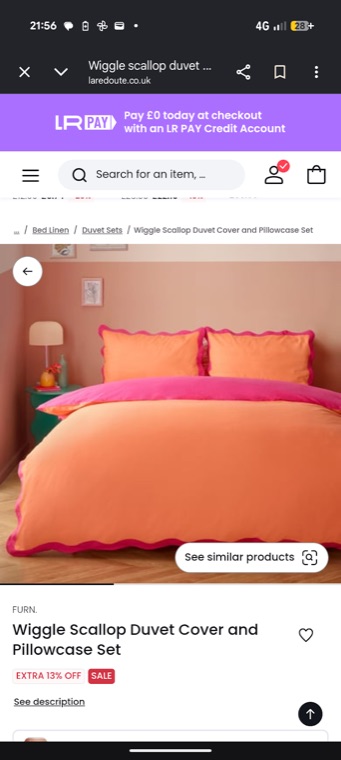
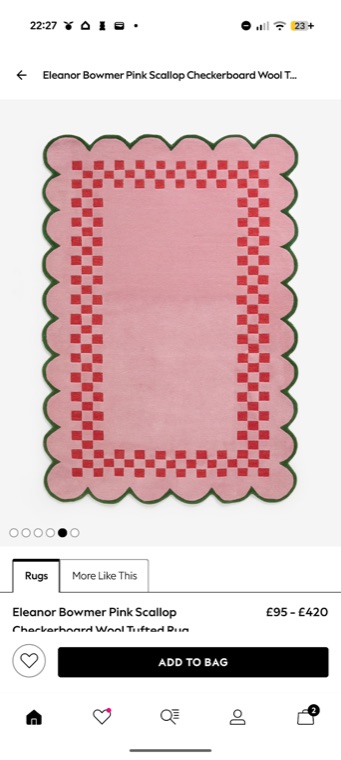
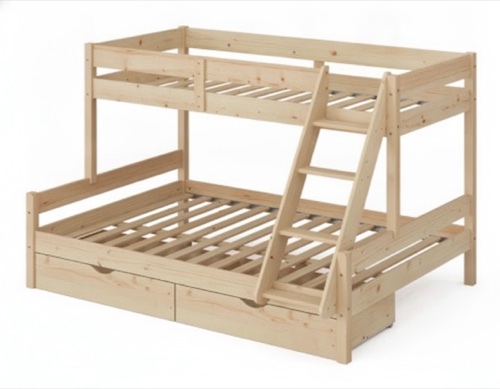
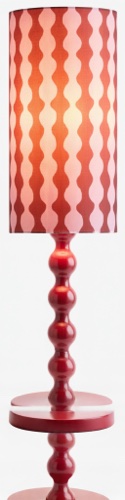
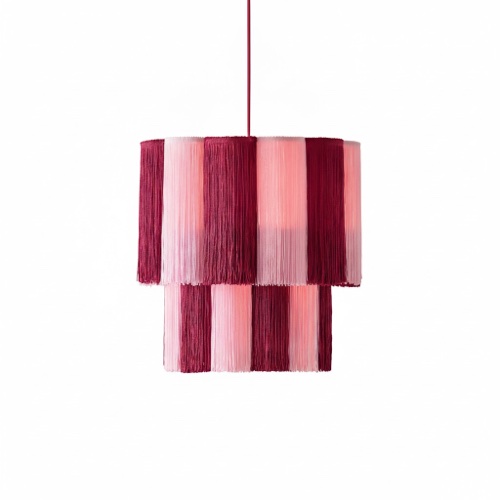
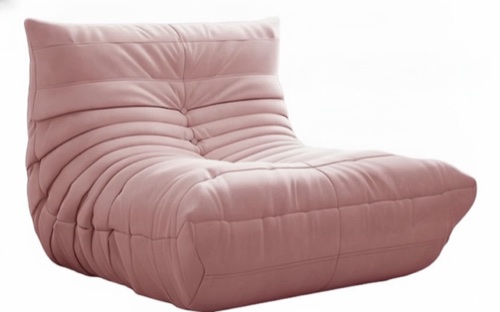
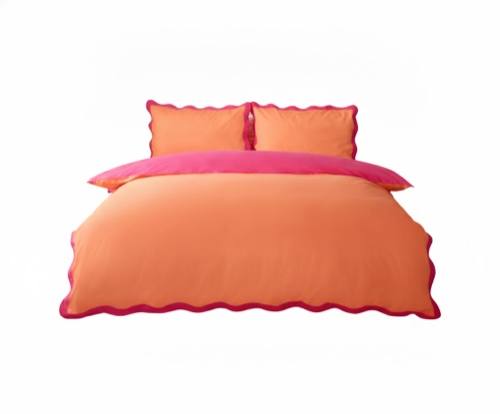
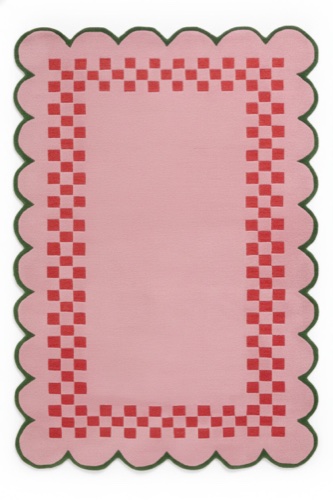
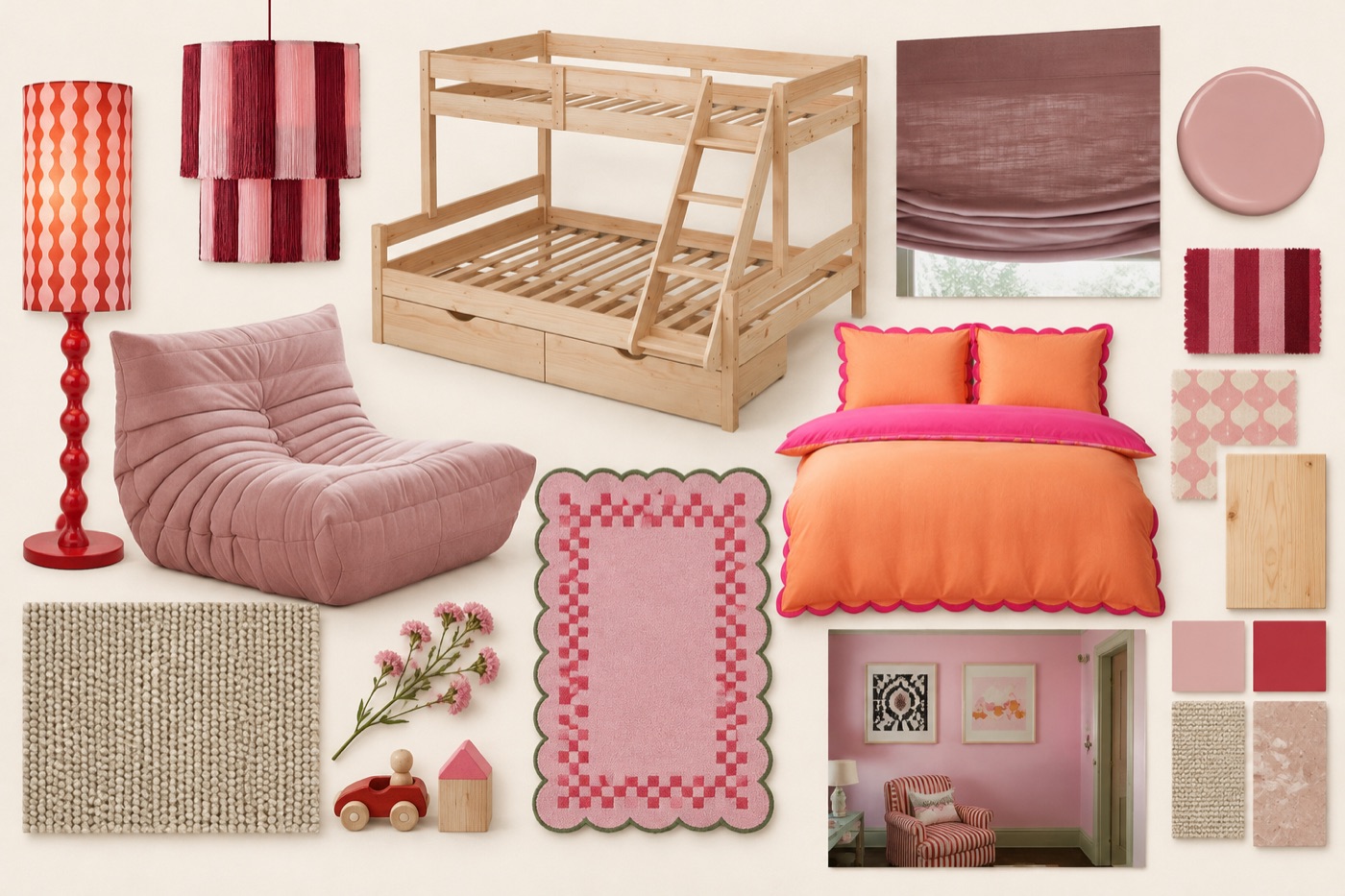
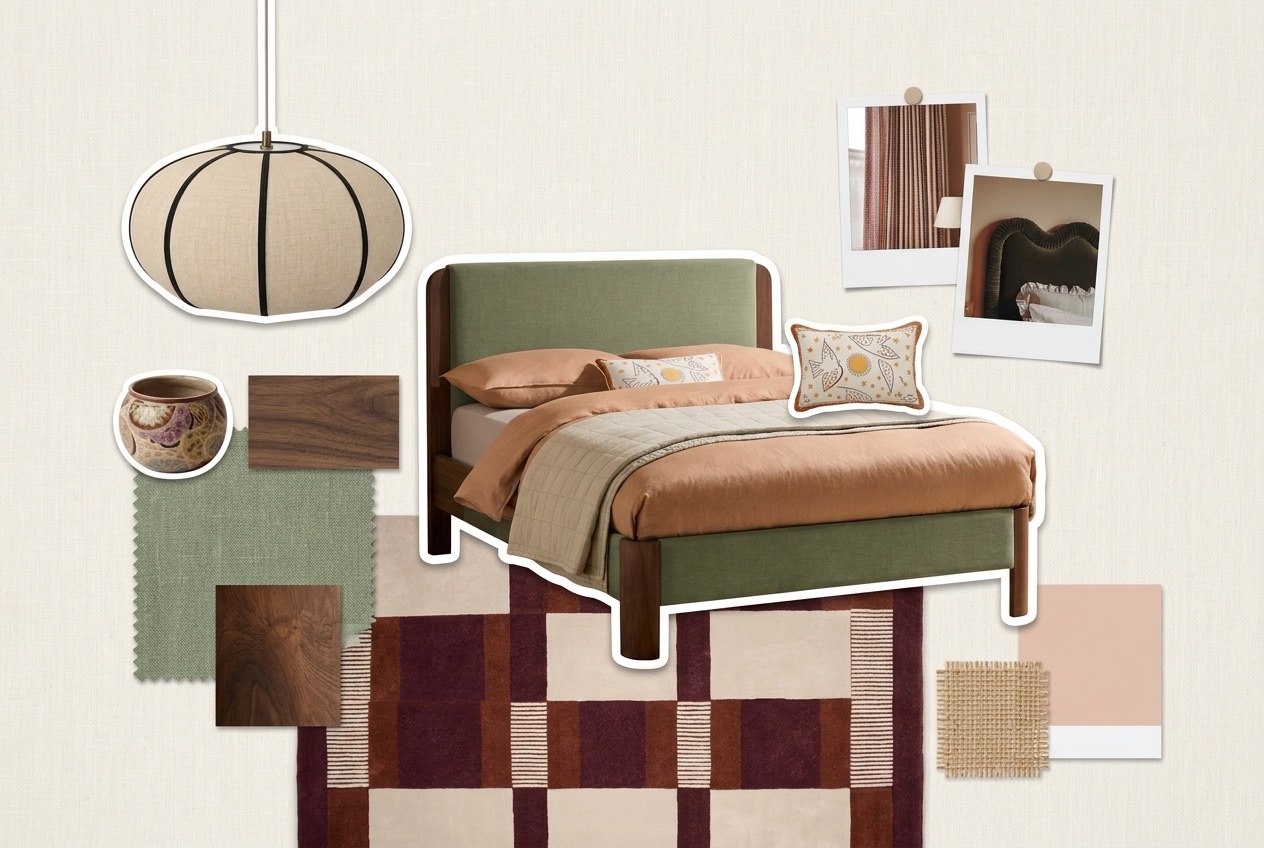
A real child's bedroom, from screenshots to mood board.
How it works
The way you already work - screenshots and photos on your phone - with the tidying done for you.
Add your screenshots
From your phone's Screenshots folder or Google Photos. The AI reads each one - item or inspiration, what it is, the product name, brand and price - and crops it: to the product, or to just the photo in an inspiration post.
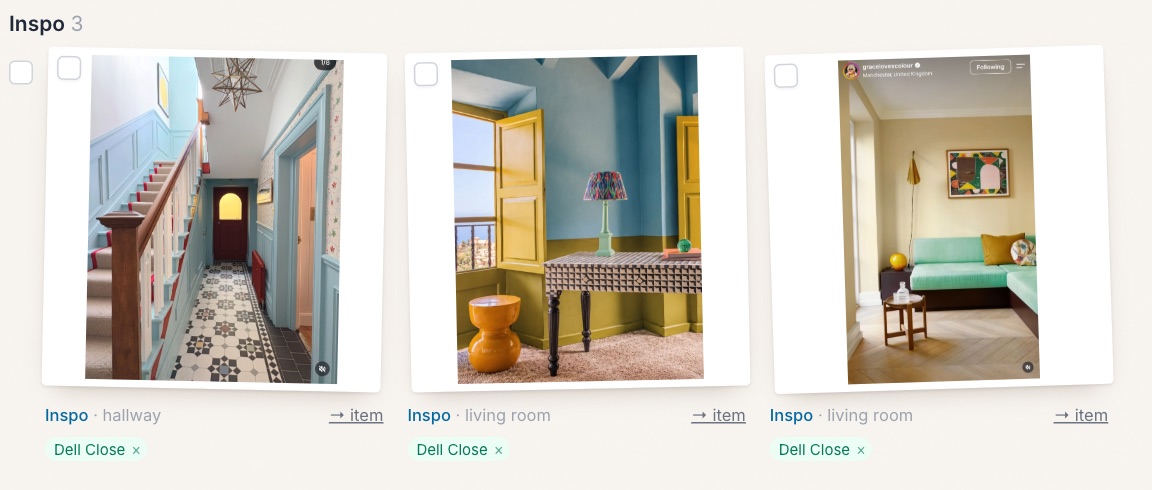
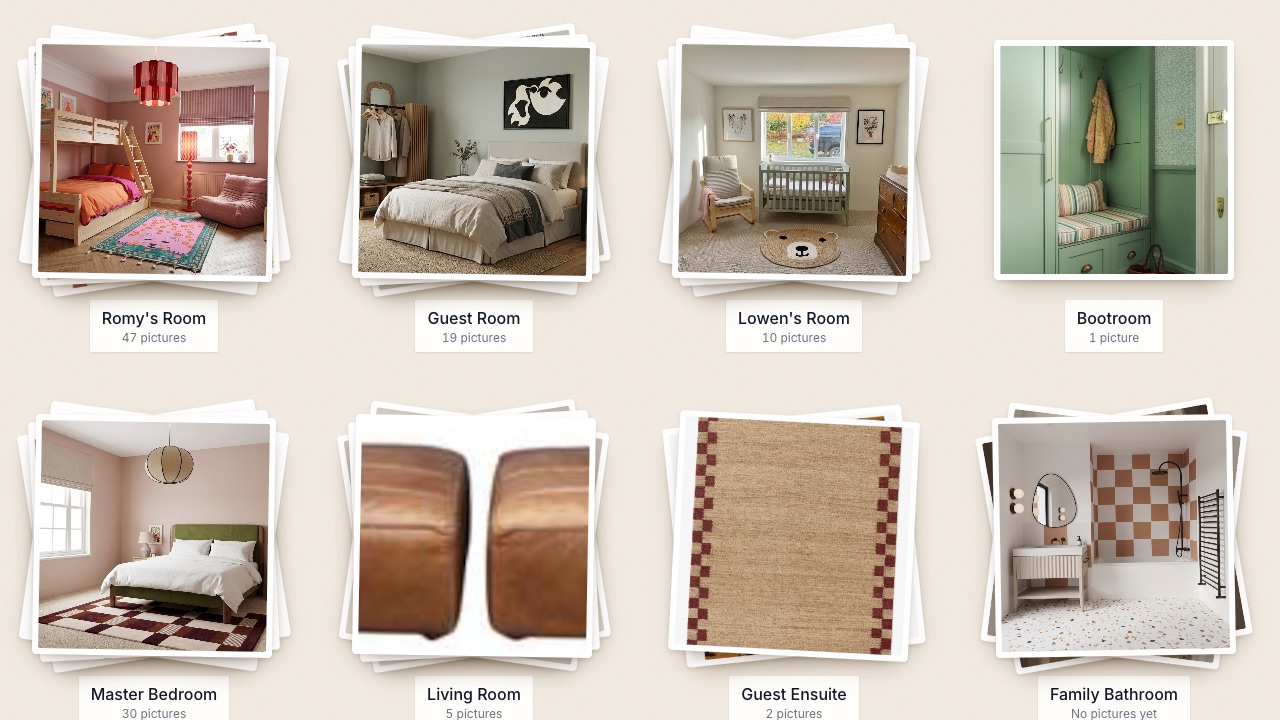
Sort into projects and rooms
Pick a few, click a project. Then split each project into its rooms. Like sorting a pile of prints on a table.
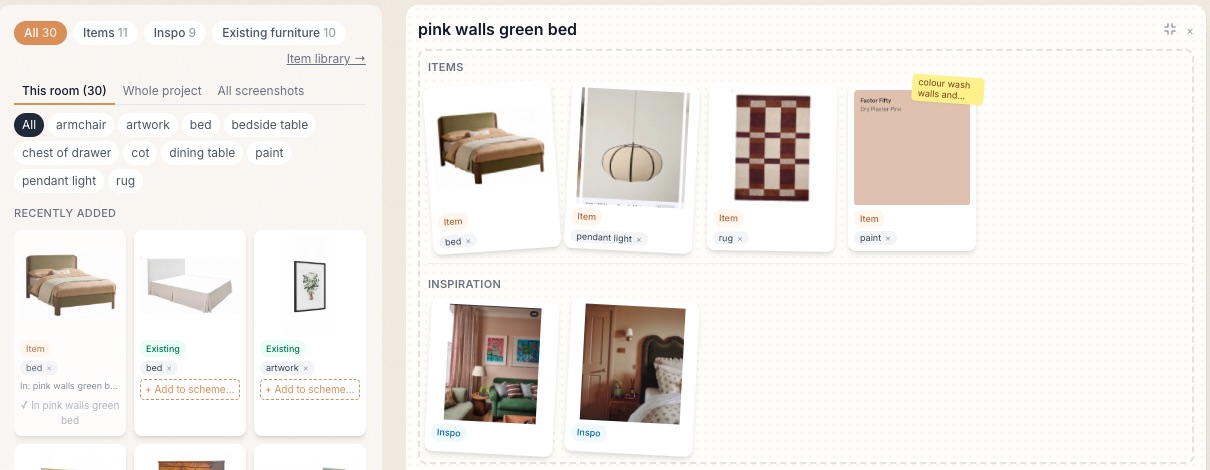
Put schemes together
New pieces, inspiration and the client's existing furniture - each cut out, clutter taken off - side by side. Try a few schemes per room.
Make the mood board
One click lays a scheme out as a mood board - the pieces cut out, with swatches and the inspiration pinned up - ready to show the client. Want to picture it in the room? Render it as a photo too.
Request an invite
DibDab is invite-only while we're in early access. Know a designer who's already in? Ask them - each designer can invite a few others.
What it costs
- Free while we're in early access. Everyone who joins now is a founding member.
- There will always be a free plan. Paid plans will be for heavier use - more projects and more renders.
- No surprises. Founding members get at least 30 days' notice and a discount before anything changes, and nothing you make is ever deleted.